Webmail
Revision as of 16:28, 16 May 2024 by 172.16.2.31 (talk) (→Voicemail and Bid Notifications redirect)
Contents
TipsTrade Webmail[edit]
You can access TipsTrade Webmail at https://webmail.tipstrade.net, and sign in using your full TipsTrade email address, and password (this is not necessarily the same as the password for the TipsTrade Broking Applications).
Out of Office responders[edit]
- Sign in to TipsTrade Webmail
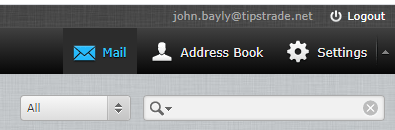
- Click on the "Settings" button at the top right:
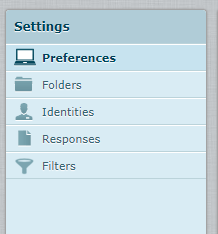
- Click on the "Filters" menu item in the left-hand list:
- Click on the "Out of Office" filter
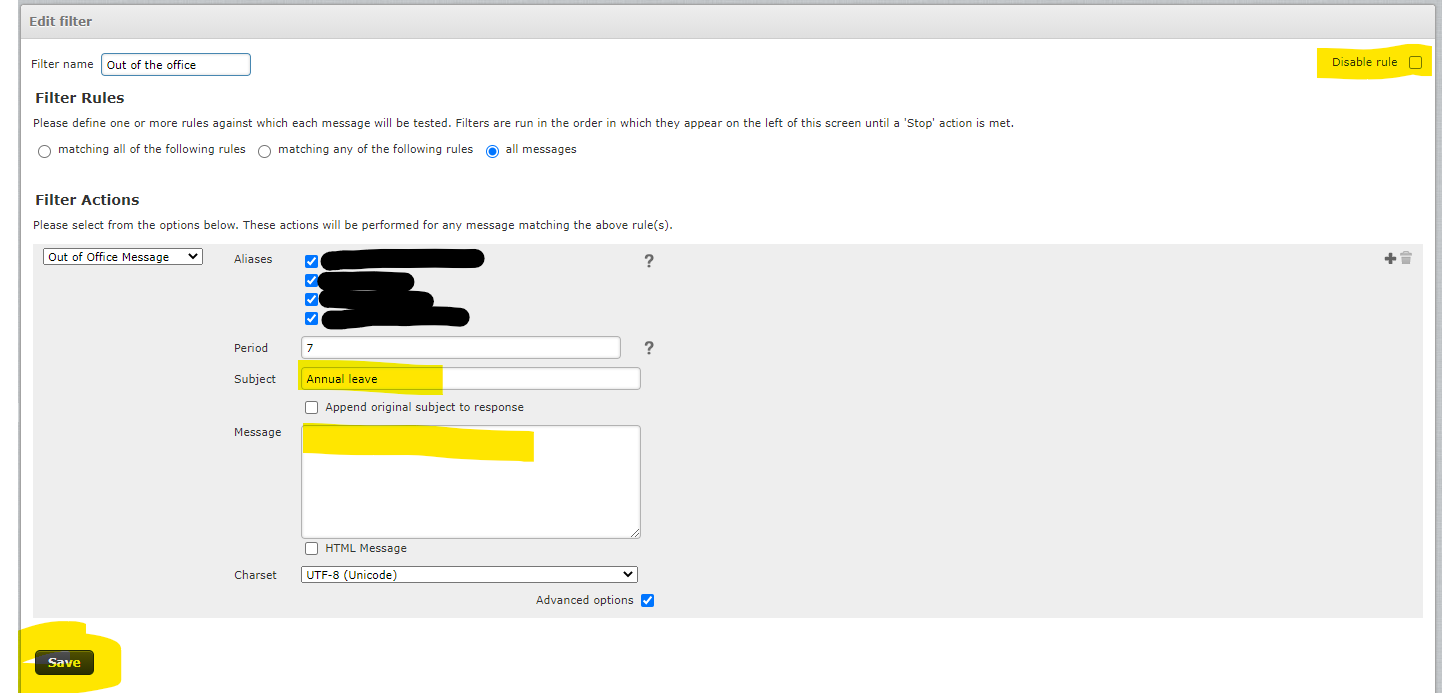
and:- Ensure "Disable rule" checkbox is unticked
- The auto-responder Subject is provided
- The auto-responder Message is provided
- Click the save button


Voicemail and Bid Notifications redirect[edit]
This can be edited similarly to the Out of Office responder

- Ensure the "Disable rule" checkbox is unticked
- Enter the email address of the person who should receive the emails
- Click the save button
Disabling[edit]
Autoresponders can be disabled by ticking the "Disable rule" checkbox and saving the rule.
